
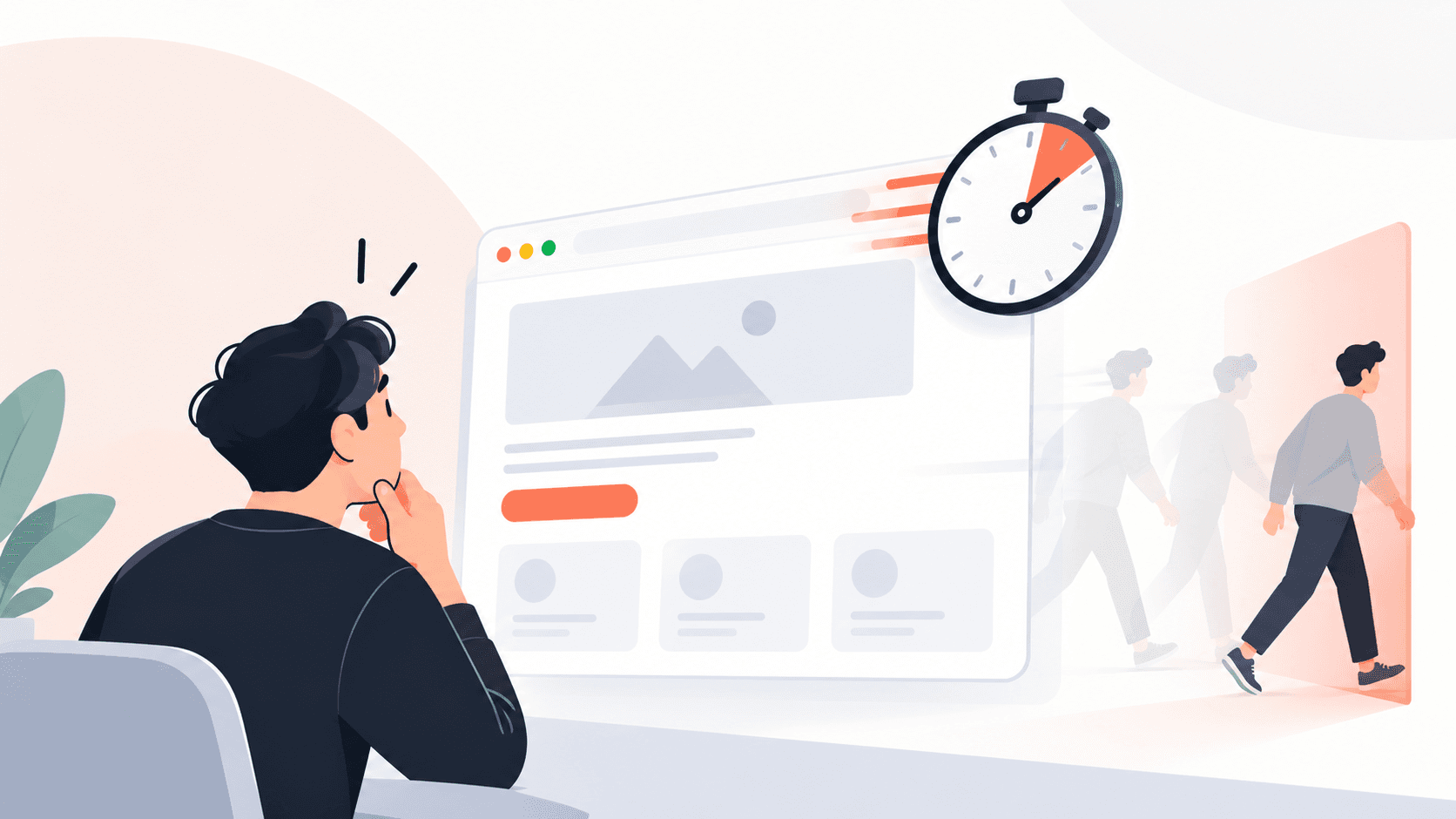
A visitor lands on your website. They came with a question — What does this product do? Is it right for me? How much does it cost? — and they expect an answer within seconds. Instead, they meet a dense hero section, a mega-menu with twenty links, three competing buttons, and paragraphs of jargon. They scroll a little, hesitate, and press the back button. Your analytics records a bounce. You never learn why. This is one of the most expensive and least visible problems in digital products. The traffic was earned, the intent was real, and the product might have been a perfect fit — but the website made the visitor work too hard to discover that. People don't abandon websites because they lack interest; they abandon them because the effort required to understand the page feels greater than the value they expect to get from it. In this guide, we break down why complicated websites lose users, the UX laws and human psychology principles that explain this behavior, and practical, design-led fixes you can apply to your website, SaaS product, or tool to reduce friction and improve conversions.
1. The Real Reason Users Leave: Effort vs. Expected Value
- Every Visit Is a Silent Cost-Benefit Calculation - Within the first few seconds, visitors subconsciously weigh how much effort a page demands against how likely it is to give them what they want. When the page looks cluttered or unclear, the perceived effort spikes and the decision to leave is made before a single sentence is fully read.
- Complexity Is Felt, Not Measured - Users don't count menu items or words. They react to a feeling of overwhelm — too many choices, too little hierarchy, too much unfamiliar language. That feeling alone is enough to trigger abandonment, even if the answer they wanted was technically on the page.
- The Business Impact - Complexity shows up in analytics as high bounce rates, short session durations, low scroll depth, and contact forms that are started but never submitted. Teams often try to fix these numbers with more traffic, when the real leak is clarity.
2. Cognitive Load: Why the Brain Gives Up on Busy Pages
- What Cognitive Load Means - Cognitive load is the amount of mental effort required to process information. Working memory is limited, so every extra element — a banner, a pop-up, an animated badge, a block of unexplained terms — competes for the same small pool of attention.
- Miller's Law and Chunking - Miller's Law suggests people can hold only a small number of items in working memory at once. In UX, the practical lesson is chunking: group related information into short, clearly labeled blocks so users process a few meaningful units instead of a wall of details.
- How to Reduce It - Remove decorative elements that carry no meaning, keep one primary message per section, use plain language instead of internal jargon, and replace long paragraphs with scannable headings, bullet points, and supporting visuals.
3. Hick's Law: Too Many Choices Lead to No Choice
- The Principle - Hick's Law states that the time it takes to make a decision increases with the number and complexity of choices. A navigation bar with fifteen items, a pricing page with six plans, or a hero section with four buttons all slow users down — and slowed-down users often choose to leave.
- Choice Overload in Real Life - Psychologists describe a related effect called choice overload, or decision paralysis: when faced with too many similar options, people feel less confident and are more likely to postpone the decision entirely. On a website, postponing usually means closing the tab.
- How to Apply It - Limit primary navigation to the essentials, highlight one recommended plan, give each page a single primary call to action, and move secondary options into footers, sub-menus, or later steps of the journey.
4. Jakob's Law: Unfamiliar Patterns Create Friction
- The Principle - Jakob's Law observes that users spend most of their time on other websites, so they expect yours to work the same way. Logo on the top left linking home, navigation across the top, cart in the top right, contact details in the footer — these conventions are mental shortcuts users rely on.
- When Creativity Backfires - Hidden navigation on desktop, unconventional scroll behavior, icon-only buttons without labels, or creative names for standard pages (like 'Our Universe' instead of 'About') force users to relearn basics. Every moment spent figuring out the interface is a moment not spent understanding your offer.
- How to Apply It - Be original in your brand, visuals, and messaging — not in core interaction patterns. Use familiar labels such as Services, Pricing, Work, Blog, and Contact so visitors can navigate without thinking.
5. Information Scent: Help Users Know They're on the Right Path
- What Information Scent Is - Information Foraging Theory, developed by researchers at Xerox PARC, compares online browsing to animals following a scent toward food. Users scan links, headings, and labels for cues that the information they want is nearby. Strong scent keeps them moving forward; weak scent makes them leave.
- What Weak Scent Looks Like - Vague link text like 'Learn More' or 'Click Here', clever headlines that don't describe the content, and menus organized around your internal team structure instead of user needs all break the trail.
- How to Strengthen It - Write descriptive headings and button labels ('See Pricing Plans', 'View UI/UX Case Studies'), match landing page messaging to the ad or search query that brought the visitor, and organize content around the questions users actually ask.
6. Visual Hierarchy and Scanning: Users Don't Read, They Scan
- How People Read Online - Eye-tracking research has repeatedly shown that users scan web pages in patterns, such as the F-pattern on text-heavy pages, focusing on headings, the beginning of lines, and visually distinct elements. Content without clear hierarchy simply gets skipped.
- The Von Restorff Effect - Also called the isolation effect, this principle says that the item that stands out from its surroundings is the one most likely to be remembered. If everything on a page is bold, colorful, and loud, nothing stands out — including your most important call to action.
- How to Apply It - Use size, weight, color, and white space to create a clear order of importance. Reserve your strongest accent color for the primary action, front-load key words in headings, and let generous spacing separate ideas so the eye knows where to go next.
7. Tesler's Law and Progressive Disclosure: Hide Complexity, Don't Dump It
- Tesler's Law of Conservation of Complexity - Tesler's Law states that every system has a certain amount of complexity that cannot be removed — only moved. The question is who carries it: the user, or the design and engineering team. Great products absorb complexity so users don't have to.
- Progressive Disclosure - Progressive disclosure means showing only what users need at each moment and revealing advanced details on demand. A feature overview first, a detailed comparison table on click; a simple signup first, profile settings later.
- How to Apply It - Use expandable FAQs, tabs, 'Show more' sections, and step-by-step forms. Keep the first view focused on the core value proposition and let curious users dig deeper without forcing everyone else through the same detail.
8. Trust Psychology: The Aesthetic-Usability Effect and Social Proof
- The Aesthetic-Usability Effect - Users tend to perceive clean, well-designed interfaces as easier to use and more trustworthy — even before they interact with them. A cluttered, inconsistent layout signals risk, while a calm, organized one signals competence.
- Social Proof Reduces Uncertainty - When people are unsure, they look to the behavior of others. Client logos, testimonials, case studies, and ratings placed near key decisions reassure visitors that others have taken the same step successfully.
- How to Apply It - Keep visual design consistent across pages, place proof points close to calls to action rather than buried on a separate page, and make sure the page answers 'Can I trust this company?' before asking the visitor to commit.
9. Fitts's Law and Friction in the Conversion Path
- The Principle - Fitts's Law states that the time to reach a target depends on its size and distance. Small, hard-to-tap buttons and calls to action placed far from where attention naturally rests make conversion physically and mentally harder, especially on mobile.
- Hidden Friction Points - Long forms asking for unnecessary details, forced account creation, surprise costs late in a flow, and slow-loading pages all add friction at the exact moment a user is closest to converting.
- How to Apply It - Make primary buttons large and easy to tap, keep forms to the minimum required fields, show pricing and key terms upfront, and optimize page speed so the experience feels effortless from first click to final submit.
10. A Practical Checklist to Simplify Your Website
- Pass the Five-Second Test - Show your homepage to someone unfamiliar with your business for five seconds. If they can't say what you offer, who it's for, and what to do next, your messaging needs simplifying.
- Audit Navigation and CTAs - Cut navigation to the pages users actually need, rename items using plain language, and ensure each page has one clear primary action.
- Rewrite for Clarity - Replace jargon with benefits, lead every section with its main point, and break long text into short paragraphs with descriptive headings.
- Measure Behavior, Then Iterate - Use heatmaps, session recordings, scroll-depth data, and quick usability tests to see where users hesitate or drop off, then simplify those moments first.
Conclusion
Visitors don't leave complicated websites because they are impatient — they leave because the human brain is wired to avoid unnecessary effort. Cognitive load, Hick's Law, Jakob's Law, information scent, visual hierarchy, and trust psychology all point to the same lesson: clarity converts. The most effective websites aren't the ones that say the most; they're the ones that help users understand the most with the least effort. By reducing choices, following familiar patterns, revealing complexity gradually, and guiding attention toward one clear next step, you turn confused visitors into confident customers. If your website is attracting traffic but not conversions, the fix may not be more marketing — it may be a simpler, more human-centered experience.